
5 Red Flags Your Meeting Rooms Shouldn’t Carry Into 2026
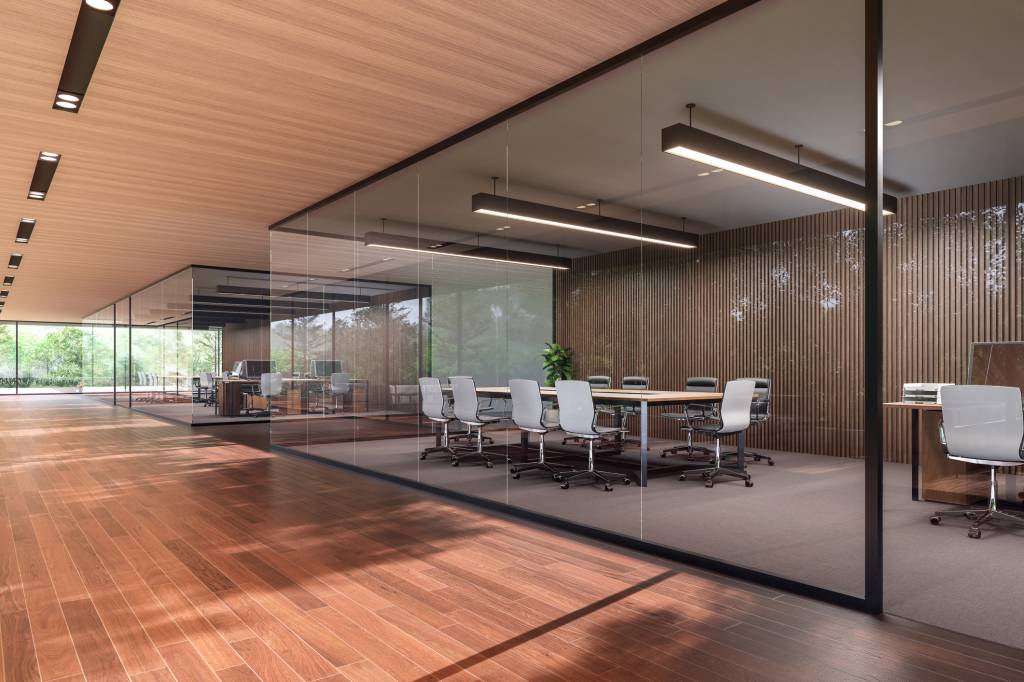
As the year wraps up, teams are taking stock of what worked, what didn’t, and what absolutely cannot roll into next year. And for many organisations, one pain point always seems to sneak onto the IT year-end review: meeting rooms that feel different in every building, every floor, and sometimes even every room.
When nothing works the same way twice, productivity drops. IT gets stuck firefighting. People enter meetings already frustrated. If that sounds familiar, it’s a clear signal that standardisation isn’t a “nice to have” for next year it’s overdue!
Here are five signs your inconsistent setup has been costing your business all year, and how Launcher helps you fix it before 2026 begins.
1. Meetings Still Don’t Start on Time
If you look back at the year and realise meetings routinely started late, there’s your first clue. Walking into a room shouldn’t feel like a guessing game but inconsistent layouts, different interfaces, and unpredictable behaviour create exactly that.
Multiply those lost minutes by 12 months… it adds up very very fast.
Launcher gives every room the same intuitive, predictable home screen, so anyone can walk in, tap once, and get going no coaching, no cable juggling, no IT rescue missions.
2. IT Spent the Year Fixing Problems Instead of Moving the Business Forward
If you hear phrases from IT departments like “too many AV tickets,” “constant small fixes,” or “we couldn’t get to strategic projects,” your rooms are part of the problem.
Every inconsistent setup becomes a new failure mode and IT becomes the default “AV first responders.”
With Launcher, IT can deploy one standard configuration across every space, lock down settings, and prevent tampering.
It’s not just fewer fixes it’s finally freeing IT to focus on next year’s priorities.

3. Users Complain… or Avoid the Room Tech Altogether
If users don’t trust the meeting rooms, they’ll work around them. That’s not a behaviour issue it’s an experience issue.
How many teams this year were held back by:
- Confusing UIs
- Leftover logins
- Pop-ups
- Random apps installed by previous users
Launcher resets the room to clean, simple, and distraction-free every time. No clutter. No confusion. Just a clean slate ready for the next meeting.
4. Security Wasn’t as Tight as You Thought
Shared meeting room devices plus inconsistent setups = accidental security gaps.
If this year included concerns about:
- lingering user accounts
- saved credentials
- tampered settings
- audit or compliance red flags
…then tightening governance shouldn’t wait.
Launcher protects your displays with secure Kiosk Mode and automatic data wipe after every session, giving IT confidence that nothing risky carries over from meeting to meeting or from year to year.
5. You Still Can’t Prove ROI on Meeting Room Tech
If every room behaves differently, it’s nearly impossible to measure impact or show leadership the return on investment.
But when rooms are standardised, the story becomes measurable:
- Meetings start faster
- Tech support tickets drop
- Users stop complaining
- IT gets hours back
- Rooms actually get used
Launcher gives you consistent performance and predictable behaviour the foundation you need to remove the red flags and actually prove value with your meeting rooms in 2026.



Standardize your meeting room setups.




Want to stay in the loop?
Keep up-to-date with everything DisplayNote – including new releases, job openings, and customer giveaways.
You are currently unable to join our mailing list - if you would like to get in touch please check out our contact page.
Don’t worry, we’ll not spam you and we’ll never share your email with anyone